Caller ID Spoofing Protection: How to Stop Fake Calls
By Josh C.
Your phone rings while you're making dinner. The number looks local, and the caller says there's a problem with your bank account. Before you've had time to think, they're asking you to confirm a code that just arrived by text.
Caller ID spoofing protection starts by separating two questions: where did this call come from, and is the request safe? Your carrier, phone settings, screening tools, and your own callback habit answer different parts of that problem. None should get the final say alone.
What Caller ID Spoofing Is and Why It Works
A call arrives with your own area code. You answer because you're expecting a delivery, and the person sounds routine: they just need a moment of your attention. The local number has already done its job by making an unfamiliar caller seem familiar.
Caller ID spoofing means deliberately falsifying the information sent to your caller-ID display. The FCC's caller ID spoofing guide warns about neighbor spoofing, which imitates a local number, and calls displaying numbers associated with trusted businesses or government agencies.
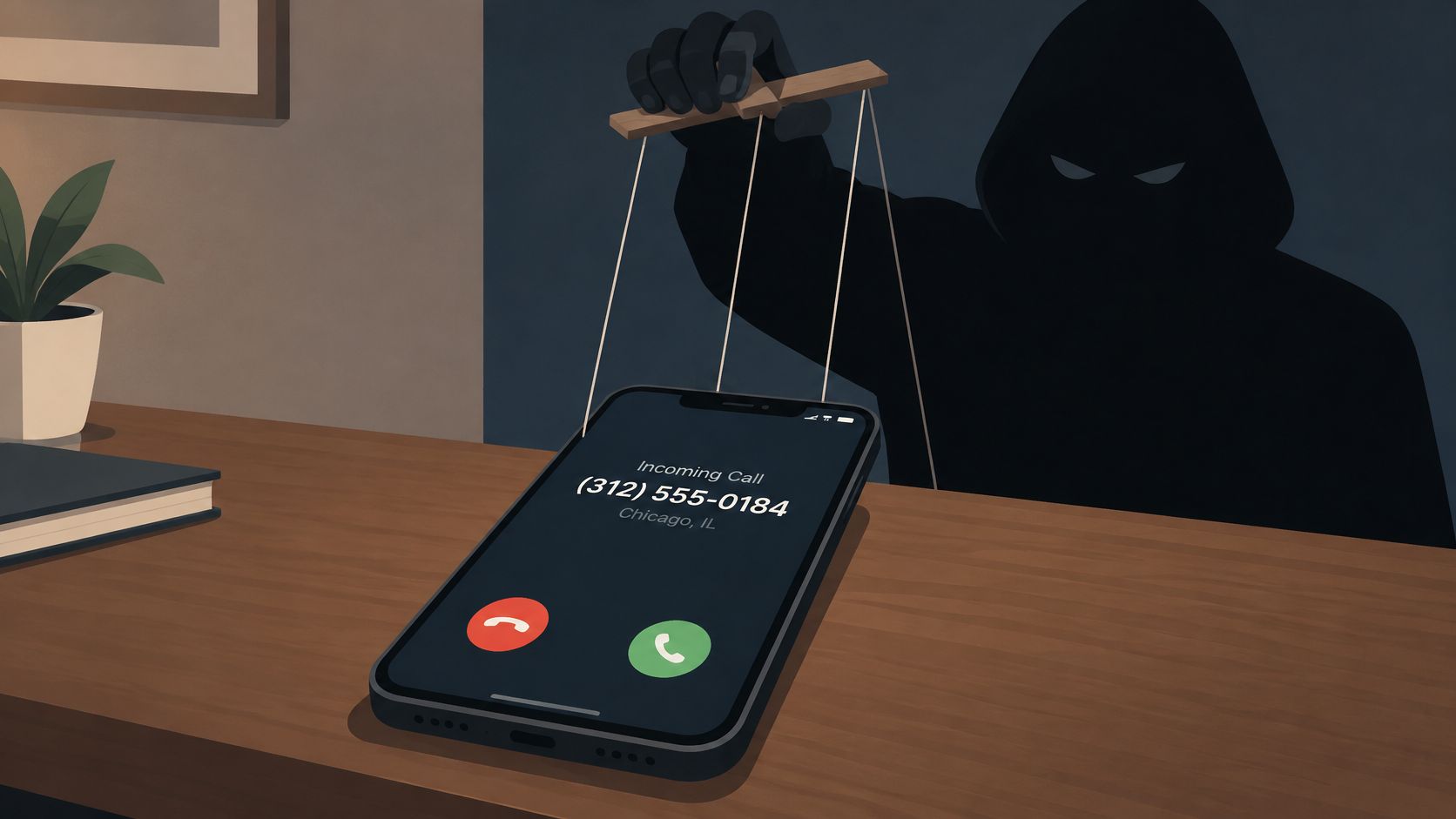
Think of caller ID as a name badge someone can print before walking into a conference. The badge tells you what the wearer wants you to believe. Without another check, it doesn't establish that they belong there.
The illustration captures that separation between the person placing a call and the identity displayed on your screen.
Familiarity isn't verification
Caller ID is information supplied through the calling network, not an identity document inspected by your phone. Calling systems can allow someone to substitute a different number, although network authentication can help carriers detect or limit that manipulation.
The familiar patterns are easy to recognize once you know what they're doing:
- Neighbor spoofing: A caller imitates a nearby number so you're more willing to answer.
- Institution impersonation: A caller displays a bank, government agency, or business number to borrow its credibility.
Neither tactic requires the caller to control the organization whose number appears. That's why recognizing the number isn't the same as recognizing the person.
A reverse-number search has the same limitation. Finding your bank's genuine number online confirms who normally uses that number, not who placed the incoming call.
Practical rule: Treat the displayed number as a claim. Don't let it authorize a payment, disclosure, or account change.
The useful response isn't to distrust every caller. It's to require better evidence before doing anything consequential.
Protection Layers Compared Side by Side
Each protection layer answers a different question, so choose it by what it checks rather than by whether it promises fewer unwanted calls.
Caller ID spoofing protection layers compared
| Layer | What It Checks | Who Controls It | What It Misses |
|---|---|---|---|
| Carrier caller ID authentication (STIR/SHAKEN) | Whether the displayed number was verified on the network | Your carrier | Scams from real or hijacked numbers that pass the check |
| Carrier spam and scam filtering | Call patterns, complaints, and known bad numbers | Your carrier | New numbers with little call history |
| Phone silence and spam settings | Whether the caller is saved in your contacts, plus available spam signals | You, in phone settings | Real unknown callers, and scams from saved contacts |
| Number reputation apps | Crowd-reported numbers in a shared database | App provider | Spoofed numbers nobody has reported yet |
| AI call screening | Who is calling and why, before your phone rings | Screening app | A human scammer or compromised account that gives a plausible explanation |
| Live call analysis | Conversation content, such as requests for codes or payments | Screening app during the call | Harm already done if a code was shared before the warning |
| Callback habit | Whether the request can be confirmed through a number you look up yourself | You | Nothing happens automatically; you must stop and make the independent call |
Choose by the question you need answered
Authentication asks about the number. Spam filtering asks about the traffic. Contact-based silencing asks whether you already know the number, not whether the caller deserves your trust.
Reputation tools are useful for recognizing previously reported activity. Their weakness is freshness: a caller using an unfamiliar number may have no useful record, while an innocent person's number can appear on a spoofed call.
Conversation tools address a different problem. Screening asks for an explanation before connecting you; live analysis evaluates what happens after you answer. A plausible introduction can pass screening even when the caller later makes a dangerous request.
The FCC's robocall guidance describes caller-ID authentication as part of a broader blocking and mitigation effort, not a complete determination that a caller is trustworthy.
Match the trade-off to your situation
For someone who rarely needs unexpected calls, silencing unknown numbers may be acceptable. For a caregiver awaiting hospital updates or a business owner taking new inquiries, screening is often a better fit than sending every unfamiliar caller directly to voicemail.
Before enabling a screening app, review its microphone, contacts, and call-handling permissions. Understand whether conversation processing happens on your device or elsewhere, and check how recordings or transcripts are retained.
Pair a network check with a conversation check and an independent callback habit. More filters aren't automatically better if nobody reviews the calls they divert.
The best setup is one you can maintain. An aggressive filter with an ignored voicemail folder can create a different safety problem by hiding legitimate calls.
How STIR/SHAKEN Verifies a Caller
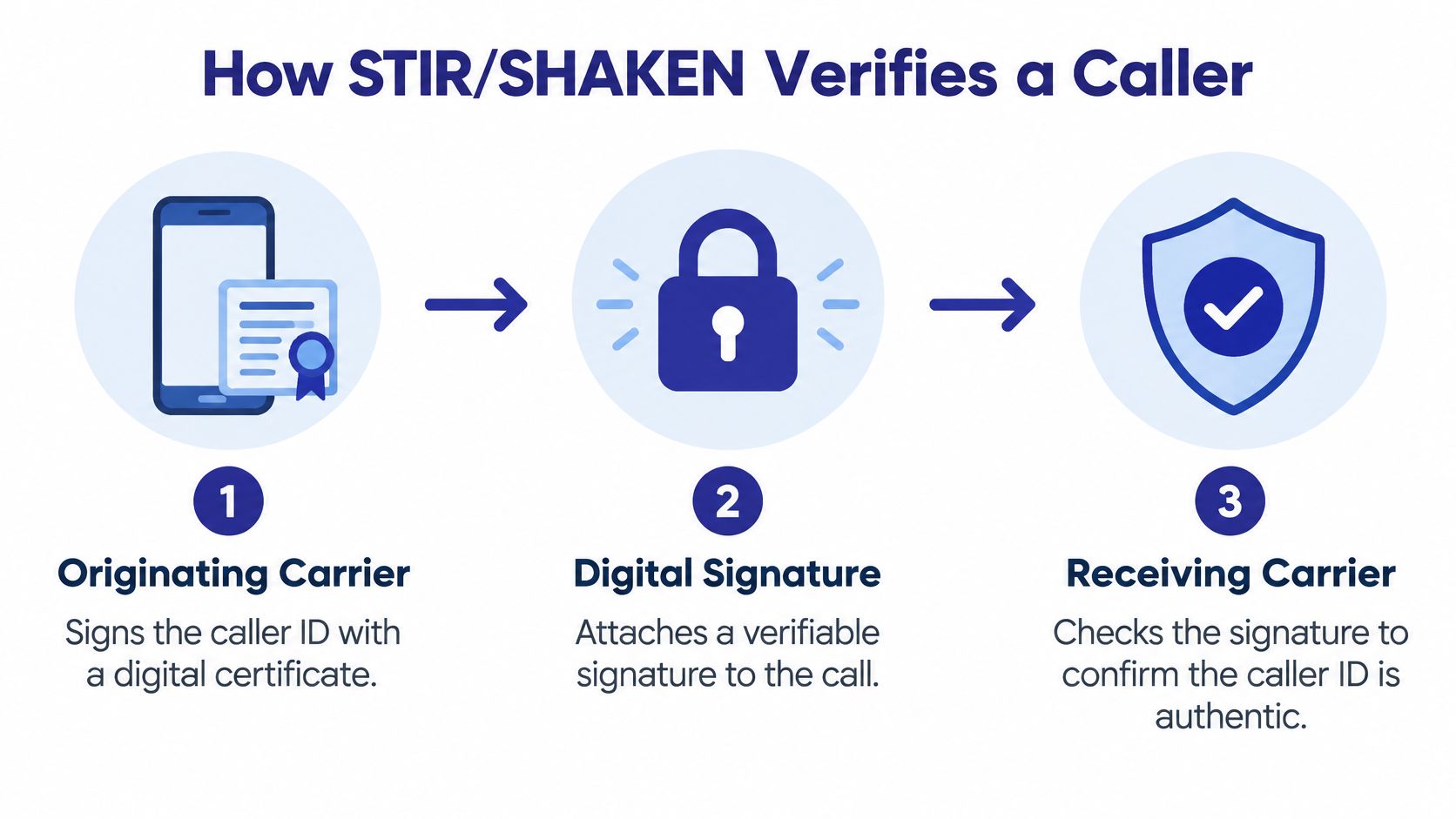
STIR/SHAKEN is a digital signature system for caller-ID information. The FCC's call-authentication guidance explains that originating providers sign caller-ID information and receiving providers validate it; the initial implementation deadline for IP voice networks was June 30, 2021.
The signature travels through the network rather than appearing as a document you need to inspect.
What happens before delivery
- The originating carrier signs: It makes an assertion about the customer and their relationship to the displayed number.
- The signature travels with the call: Downstream providers can inspect the signed information.
- The receiving carrier verifies: It checks the signature and can use the result when labeling, screening, or blocking the call.
The attestation is the originating provider's assertion, not a safety rating generated by your phone. Verifying the signature confirms that assertion hasn't been altered; it doesn't turn every assertion into full proof of number ownership.
STIR/SHAKEN attestation levels
| Attestation | Meaning | How to Read It |
|---|---|---|
| A (full attestation) | Carrier knows the customer and confirms the customer is authorized to use the number | Strongest sign the displayed number is genuine |
| B (partial attestation) | Carrier knows the customer but cannot confirm authorization to use the number | Weaker evidence; check the request itself |
| C (gateway attestation) | Carrier knows where the call entered its network but cannot authenticate the originating caller | Weakest identity evidence; treat the displayed number cautiously |
Read verification narrowly
A missing or failed check deserves caution, but it isn't automatic proof of fraud. Under the FCC's TRACED Act framework, providers using older network technologies must migrate toward IP networks or develop alternative authentication solutions, reflecting the limits of authentication across mixed networks.
Providers also have an accountability obligation: they must certify their implementation or mitigation measures, and providers missing the required filing can face enforcement and restrictions on their traffic. That filing isn't an endorsement of every call they carry.
This video offers another way to follow the authentication process.
Suppose a verified number calls about your bank account and asks for a one-time login code. The signature may support the number's authenticity, but it doesn't make surrendering that code safe. Number authentication never authenticates the caller's intentions.
Turn On Carrier and Phone Protections Today
Start with the controls you already have. You don't need to understand digital certificates to reduce how often an unwanted caller reaches you.
Set up your first line of defense
Activate your carrier's spam filter. Open its app or account page, look for scam or spam protection, and enable the included filtering option if available. Confirm it shows as active rather than assuming it came switched on.
Adjust your iPhone settings. Open Settings, then Apps, then Phone, and look for Silence Unknown Callers or the available unknown-caller controls. Menu wording changes with software versions, so use Settings search if necessary.
Check Android's Phone app. Open Phone, then Settings, then Caller ID and spam, and enable the available spam protections. Manufacturers use different menus, so search for spam if those labels aren't present.
Save expected callers. Add family members, doctors, pharmacies, and regular service contacts to your address book. Keep their details current rather than saving an incoming number merely because someone claimed to represent them.
Review diverted calls weekly. Check voicemail and your carrier or phone's spam log, then correct mistakes. During a medical referral, job search, or expected delivery, review them more often.
Know what your carrier is accountable for
The FCC's Robocall Mitigation Database requires providers to certify their STIR/SHAKEN implementation or reasonable mitigation steps; providers that fail to file can face fines, and since September 28, 2021, other providers may not accept traffic directly from an unlisted provider.
That requirement addresses network participation and accountability. It doesn't certify an individual caller, and activating a spam filter doesn't mean every call that reaches you has been investigated.
For a household member who finds settings confusing, make the changes together. Show them where diverted calls appear and how to return a legitimate message without using a number dictated by an unfamiliar caller.
The common slip is forgetting voicemail. A clinic calling from a new department or a delivery driver using an unfamiliar mobile may not ring through. Check messages before assuming nothing important came in, and loosen silencing temporarily when you're expecting an essential callback.
Recognizing Risky Requests Before You Respond
Judge the request more strictly than the number. In its 2024 data, the FTC's imposter-scam spotlight found that among older adults who reported losing at least $10,000 to a business or government imposter scam, 41% said initial contact was by phone, compared with 15% through an online advertisement or pop-up and 13% through email.
A typical bank impersonator creates a problem, then offers a supposed solution requiring your cooperation. When a text code arrives, the caller presents it as a security check, even though sharing it could help authorize access or a transaction.
Requests that should end the call
| Request | Why It Signals Fraud | Your Response |
|---|---|---|
| Read out a one-time passcode or MFA code | The caller may be trying to complete a login or transaction | Hang up and call the number on your card |
| Move money urgently or buy gift cards | Pressure prevents verification, and gift cards are a fraud warning | Stop; no legitimate agency accepts gift cards as payment |
| Send money for a family emergency | The story may exploit panic or voice imitation | Call the relative on a number you already have |
| Provide Social Security or account numbers | An unsolicited caller hasn't established a right to sensitive information | Decline and verify through an official channel |
| Respond to a threat of arrest or immediate account closure | The caller is discouraging independent checking | Hang up and contact the agency directly |
| Install remote-access software | It may give a stranger control of your device | Refuse unsolicited remote-access help |
Leave the conversation without debating
You don't need to prove the caller is lying. Say you'll call the organization using the number on your card or statement, then end the call and do exactly that.
Requests for codes deserve particular care because some legitimate services use codes in specific workflows. Don't rely on a sweeping rule about every code: read its accompanying message and never share a login, password-reset, or transaction code with an unexpected caller.
CISA's phishing guidance identifies spoofed caller ID as a voice-phishing technique. Independent verification matters more than how convincingly someone introduces themselves.
A request for a secret, an urgent payment, or remote access is your cue to stop. Verification happens through a channel you choose.
A trusted person can help when pressure makes that decision difficult, especially if the caller demands secrecy. For families wanting guided practice, Computer Daddy's patient in-home scam training for seniors is a resource to consider alongside rehearsing a simple hang-up-and-callback response.
Where Spoofing Protection Still Falls Short
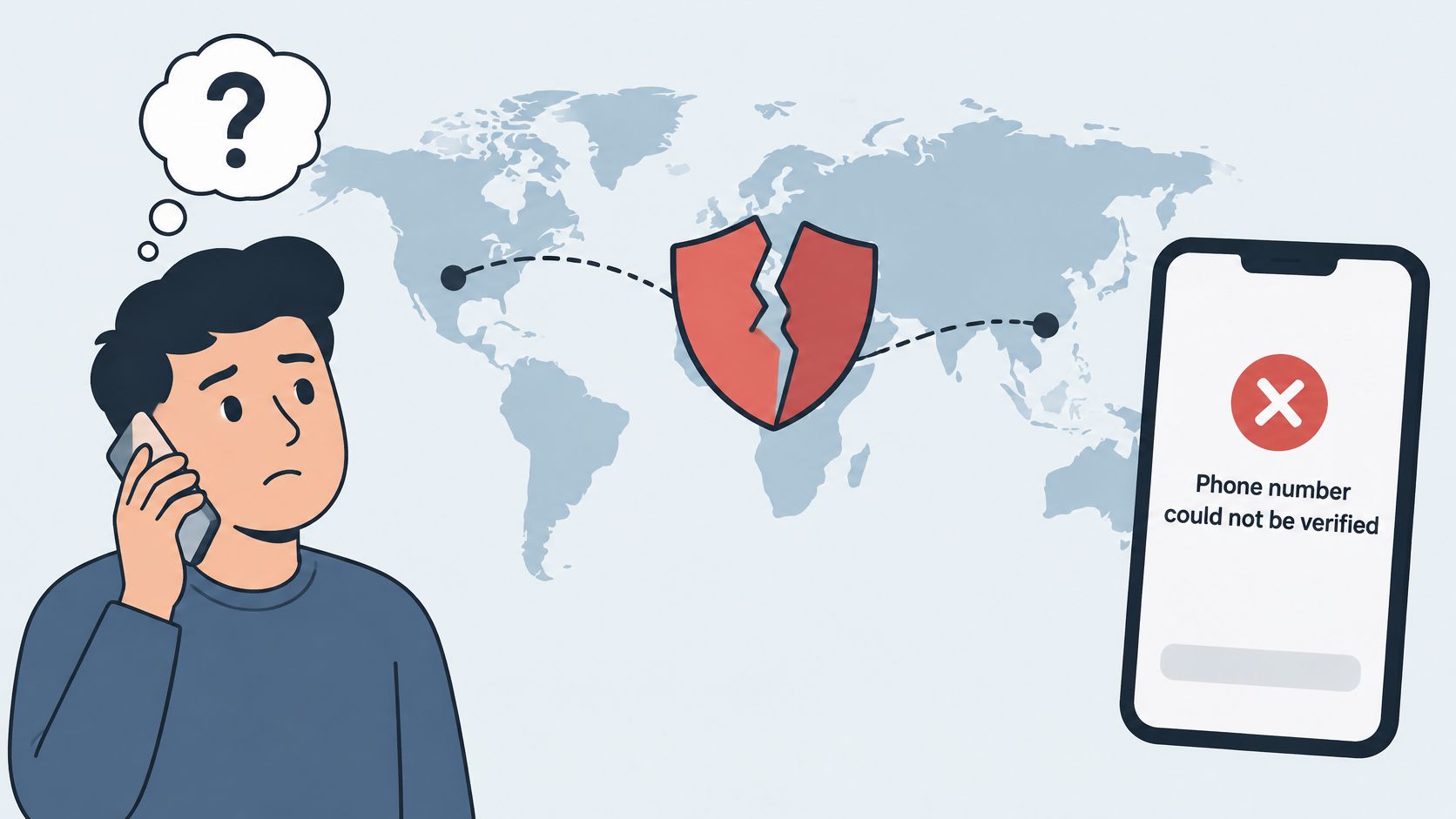
A domestic-looking number doesn't establish a domestic origin. Cross-border calling makes protection harder because providers must distinguish fraudulent traffic from legitimate travelers, overseas relatives, and international businesses.
Ofcom's February 2025 research found that 42% of UK phone users received a suspicious call during the preceding three months, while 26% said they were likely or very likely to answer an unfamiliar UK mobile number, compared with 9% for an unfamiliar international number. Its July 2025 proposal targeted calls from abroad displaying UK mobile caller IDs while acknowledging the need to preserve legitimate roaming calls.
The appearance of a familiar number can conceal that uncertainty.
Travel changes the context
Blocking everything that looks foreign misses callers who imitate domestic numbers. Blocking every overseas call displaying a domestic mobile number can also interrupt genuine communication from someone roaming abroad.
A legitimate number can be misused or hijacked, too. Our guide to caller verification explains why identity checks need context rather than a familiar appearance alone.
For families coordinating travel, agree on a verification routine before departure:
- Choose an emergency code word privately. Don't put it into messages that someone with account access could read or disclose it to an unfamiliar caller.
- Keep independent contact routes. Save a travel companion's details or an accommodation contact obtained directly.
- Verify urgent money requests separately. Try your relative's established number or another agreed channel before sending anything.
Keep genuine overseas calls reachable
For an international business, a blanket geographic block may interrupt customers and suppliers. Route unexpected callers to a message or screening process that lets them explain their purpose without gaining immediate access to payments or account changes.
Screening reduces unwanted calls but cannot identify every scam or guarantee that every caller is safe. Families with relatives abroad, international businesses, and older adults who answer familiar-looking numbers need a plan that preserves legitimate contact without treating geographic appearance as proof.
Report Spoofed Calls and Close the Loop
Reporting gives carriers and investigators more than a number to examine. What the caller claimed, requested, and threatened can be as useful as what appeared on your screen.
Capture the call, then act
Record the details. Note the displayed number, call time, claimed organization, and requested action. Preserve voicemail or screenshots without calling back to investigate.
Use your phone or carrier's reporting option. Mark the call as spam or fraud and block it when appropriate. Remember that a spoofed number may belong to an innocent person, so blocking it doesn't necessarily block the actual caller.
Submit an official complaint. Use the FTC's fraud-reporting channel and the FCC's complaint form, reached through their official websites. Our guide to how to report scam calls helps organize the information you'll need.
Contain any exposure immediately. If you shared a code, password, or payment, contact your bank or provider through a trusted number. Ask about securing the account, ending unauthorized sessions, freezing access, or reversing the payment.
Warn affected family members. If someone impersonated a business your household uses, describe the story and request so others can recognize the approach.
Don't postpone recovery to finish a report
Protecting an exposed account comes before completing paperwork. If remote access was involved, disconnect the device from the internet and use another trusted device to contact the relevant provider.
An individual report may not resolve a case. Aggregated reports can help carriers and regulators recognize repeated behavior and decide where to investigate.
Add a Screening Layer and Download Gini Help
Check your carrier filter, tighten phone settings, keep the independent callback habit, and then add screening if unknown calls still interrupt your day. Choose Help when unwanted calls and scam protection are the main concern.
Unlike call blockers that only check a database of known spam numbers, we answer unknown calls, ask who is calling and why, and only let real people through to your phone. That conversation-based approach adds information a number lookup can't provide, though a real person can still be a scammer.
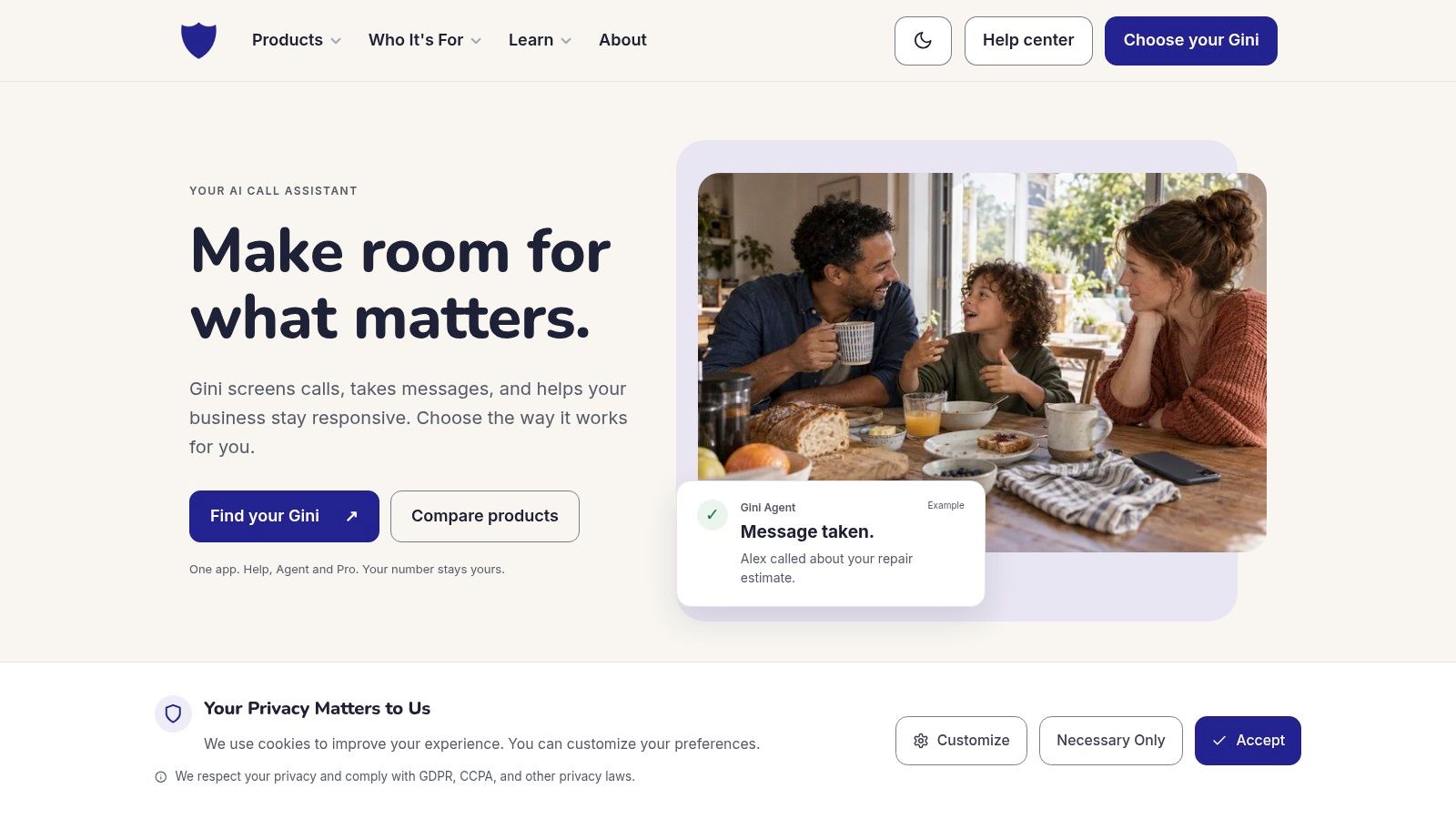
The interface gives you a way to review how calls are handled.
Protect the conversation, not just the incoming ring
Our Live Scam Detection, available with Plus plans, keeps listening after you answer calls from unknown numbers. It warns you during the call if someone asks for a verification code or account number, or pressures you to act right now.
Every plan includes an allow list so trusted contacts can skip screening. Caller rules let you decide which calls ring through and which become messages, while approved callers continue according to your setup.
Use our call screening service guide to understand the difference between screening an incoming caller and receiving warnings during an answered call. Choose the setup that matches the help you need rather than assuming those functions are interchangeable.
Set it up with someone you trust
Download the app. Get Gini Help from Google Play or the App Store.
Sign in and build the allow list. Add family members and other trusted contacts together, then review the available call-handling preferences. Avoid approving a new number solely because its caller claimed to be someone familiar.
Review screened and blocked calls weekly. Look for legitimate callers who need a different rule, and make sure the person using the phone knows where messages appear.
For caregivers, phone safety also involves making everyday communication manageable. Velma's explanation of how Velma supports aging parents offers another perspective on keeping older relatives connected while arranging practical support.
Screening reduces unwanted calls, but it can't identify every scam. Keep the callback habit in place even when a caller gets through, and treat a warning as a reason to pause rather than an invitation to argue with the caller.
Gini Help adds AI screening for unknown callers, with Live Scam Detection available to warn about dangerous requests during answered calls. Visit Gini Help to explore the setup and add a conversation-focused layer to your caller ID spoofing protection.